> ## Documentation Index
> Fetch the complete documentation index at: https://docs.automatstudio.com/llms.txt
> Use this file to discover all available pages before exploring further.
# Introduction
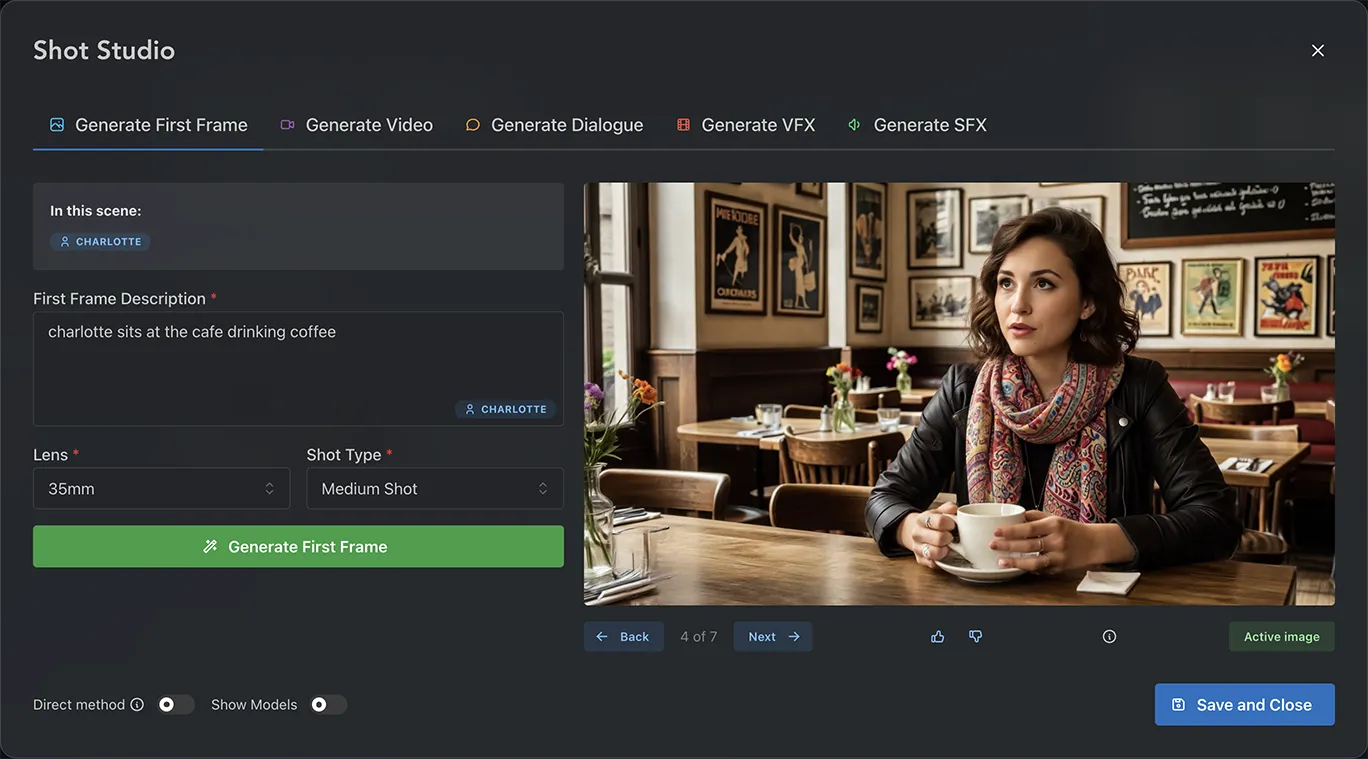 Type @ to pull your characters and props into a shot
Create the hero still that anchors your shot
Turn your first frame into a fully animated shot
Skip to video generation without a first frame
Add voice performances that stay in sync with your characters
Layer cinematic effects onto your rendered shot
Design soundscapes that match your shot
Type @ to pull your characters and props into a shot
Create the hero still that anchors your shot
Turn your first frame into a fully animated shot
Skip to video generation without a first frame
Add voice performances that stay in sync with your characters
Layer cinematic effects onto your rendered shot
Design soundscapes that match your shot